
How I got an ancient Firepod installed on Windows 10 and working in Reaper.
Hardware:
- StarTech PCIe Firewire card with Texas Instruments (TI) chip. See here.
- x64 Window 10 Home 22H2
- Presonus Firepod (firmware unknown)
Software:
- 32 bit Presonus Firepod driver. I downloaded them from this post in the Presonus forum: https://homerecording.com/bbs/threads/presonus-firepod-fp10-and-windows-10-drivers.400869/post-4506196
- Backup download link: https://drive.google.com/file/d/1Em1WPlcKuS08j2L49_3v1RbowIVjyfOD/view?usp=sharing
Steps:
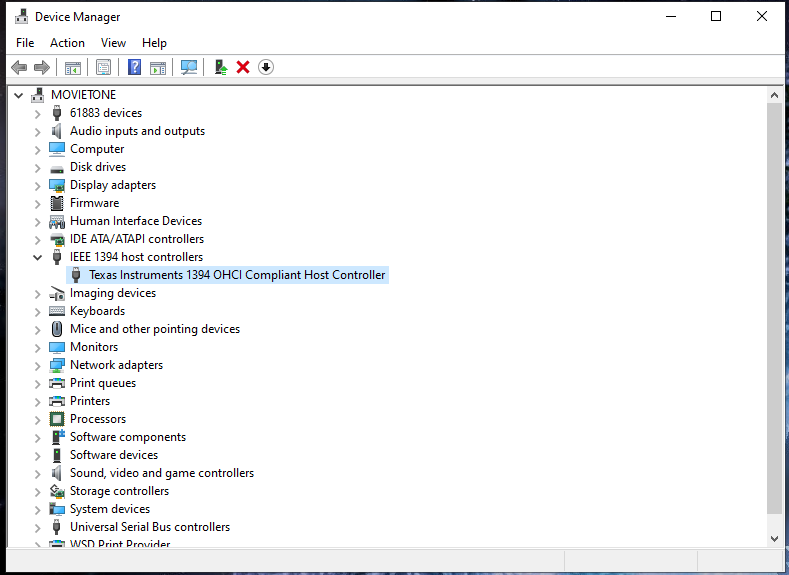
- Install the firewire card. Start computer. Shows up in Device Manager under IEEE 1384 host controllers
- Plugged in and turn on Firepod. Light blinked to blue.
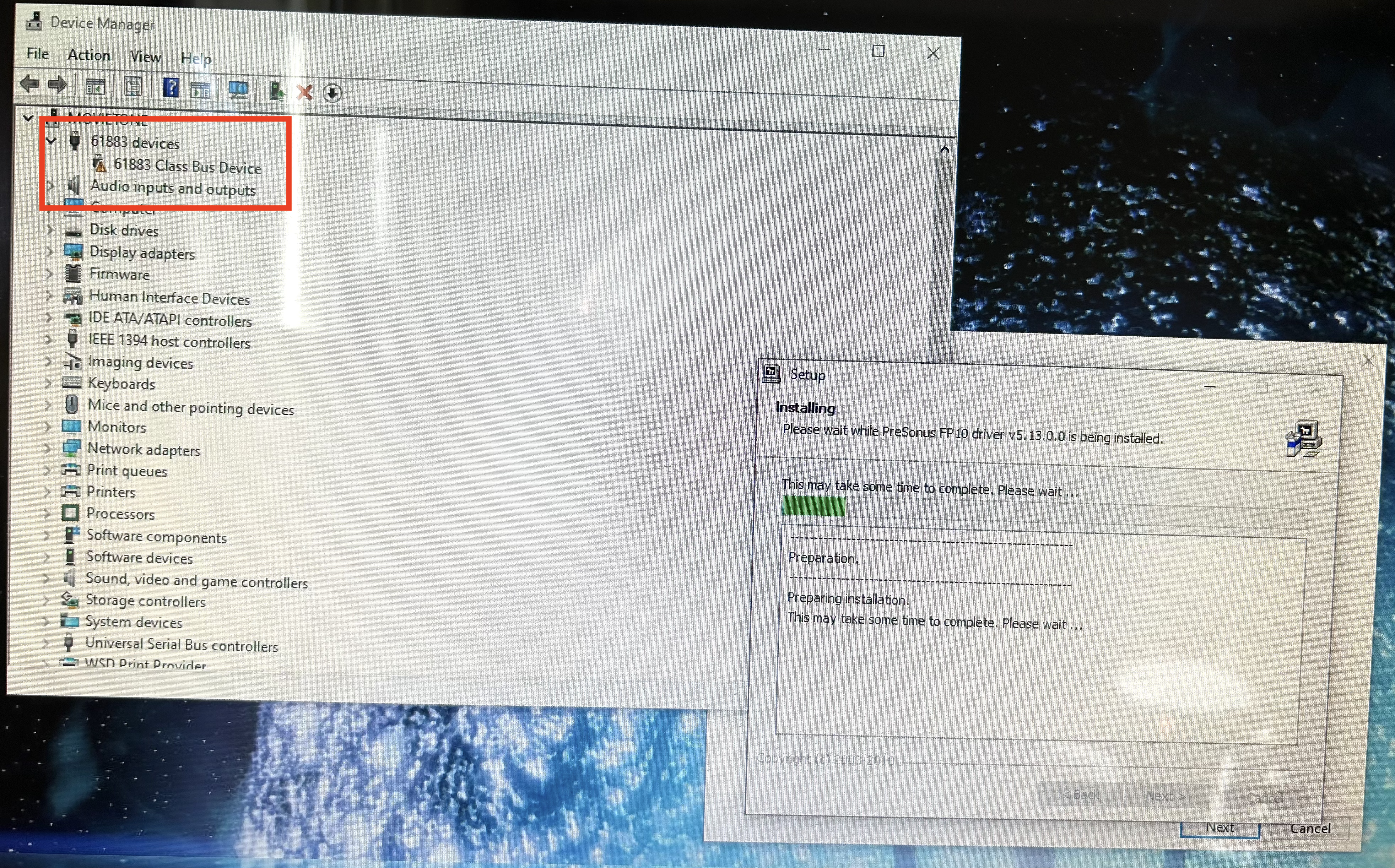
- Device Manager shows warning on 61883 Devices: 61883 Class bus device
- Turn off Firepod
- Right click on the Presonus installation exe.
- Choose Troubleshoot Compatibility
- Try Recommended settings
- It says: Settings Applied to Presonus_Firepod_FP10_Installation: Windows compatibility mode: Windows 7
- Click Test the Program…
- The installer opens, click Install
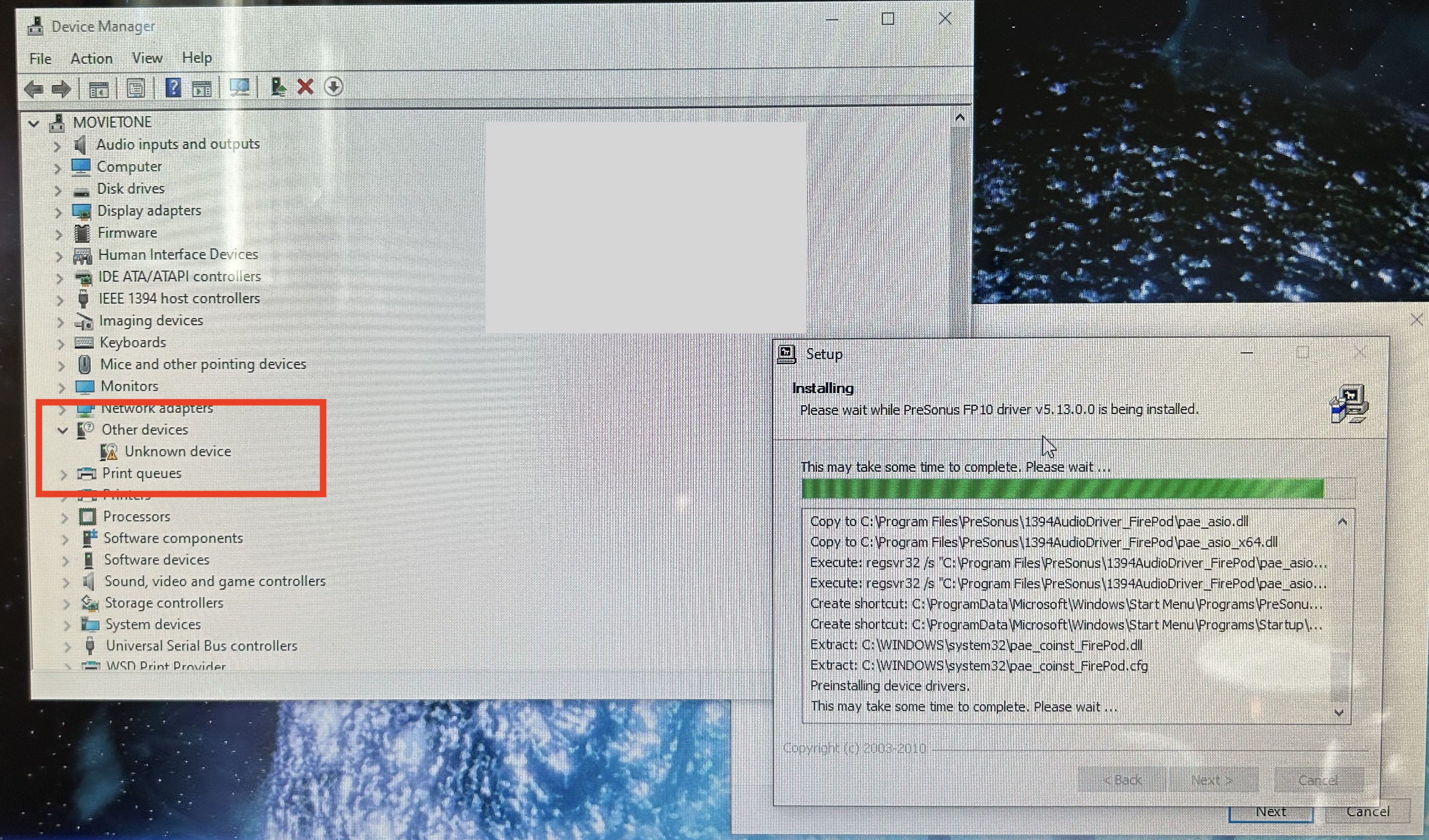
- There are three distinct changes to Device Manager (see images. Sorry about potato pictures, I didn’t plan ahead at all.)
- It takes a while to finish after the 3rd image. Let it cook.
- Finish install, close out of Troubleshooter wizard
- Turn on Firepod. Blinks to blue.
- Open Reaper, Preferences/Audio/Devices/ASIO Driver/Firepod ASIO x64

 Not So Fast